01
Add PNG files
Drop a single PNG or a batch of files into the converter. Files are identified from raw byte signatures, not file extensions.
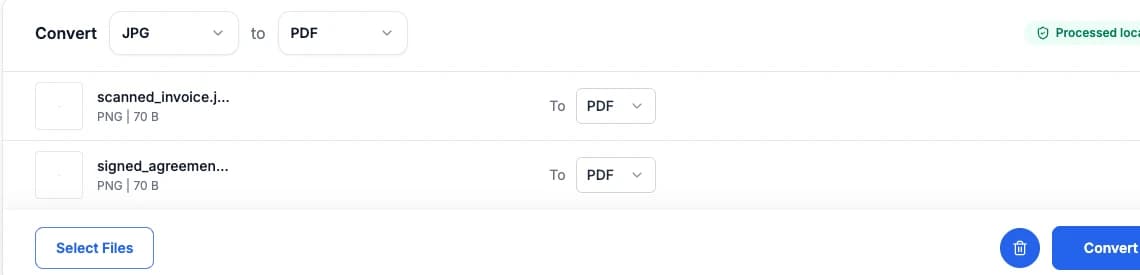
Convert PNG to PDF online for free. Turn a PNG into a one-page PDF, transparency included. Fast, 100% private, and processed directly in your browser with zero server uploads.
Drop PNG images here, or click to choose files
Rate this tool
(0 ratings)
Converting PNG to a PDF document packages your image into a single-page PDF document ready for printing, official submissions, or document sharing. The generated PDF preserves your image at its original resolution with zero cloud uploads.
PDF packaging workflow: Bundle single or batch PNG photos into a standardized, printable PDF file on your device.
Decoded directly via browser hardware-accelerated image pipeline.
Decoded into raw RGBA buffer inside your browser tab memory. No cloud roundtrips or server queues.
A single page sized to the image, ready to print or attach.
End-to-end local architecture: Files are processed strictly within your device's memory and never leave your computer or phone.
Convert your files in three simple steps directly in your browser:
Drop a single PNG or a batch of files into the converter. Files are identified from raw byte signatures, not file extensions.
The browser decodes the source locally, then writes PDF at original pixel dimensions in browser memory.
Save individual converted PDF files, or download the entire batch as a single ZIP archive.
Experience fast, secure, and lossless conversion with our privacy-first browser architecture.
Your PNG photos are decoded and encoded directly inside your browser tab memory. No files are ever sent to remote cloud servers, keeping your personal photos and sensitive documents completely secure.
The page carries a quality-92 JPEG, or a lossless PNG when the source has transparency. PDF needs no compression library - it is assembled from the decoded pixels by a small built-in writer built on pdf-lib.
The conversion executes in two discrete steps inside this browser tab: first, the PNG source is decoded into uncompressed raw pixels in memory. Second, those raw pixels are re-encoded into valid PDF format without quality degradation.
After checking an image, choose a tool for the change you need. Each tool has a different purpose.
Reduce file size to fit a KB or MB limit. Compression may also reduce pixel dimensions to reach your target.
Change pixel width and height for a website, print layout or social media preset. Enlarging an image does not restore missing detail.
Need to strip or edit EXIF before sharing? Open Metadata Remover to remove GPS, camera data and other hidden fields.
Check pixel width, height, megapixels and aspect ratio instantly for one image or a full batch.
Explore more image conversion options for PNG, PDF, and other popular web formats.
Convert your PNG files into other popular image formats:
Convert other image formats into optimized PDF:
Drop your PNG file into the tool above, then download the PDF. Everything runs in your browser - your image is never uploaded to a server.
Yes. There is no signup, no watermark and no limit on the number of files.
The page carries a quality-92 JPEG, or a lossless PNG when the source has transparency.
Turn a PNG into a one-page PDF, transparency included. A single page sized to the image, ready to print or attach.
No. PDF needs no compression library - it is assembled from the decoded pixels by a small built-in writer built on pdf-lib.
No. PDF has no alpha channel, so transparent areas are composited onto white before encoding.
No. Conversion goes through raw pixels, so EXIF, GPS coordinates, IPTC and XMP are all dropped. That is usually what you want before sharing a photo - but if you need to keep the format and only remove metadata, use the Metadata Remover instead.
Fast, 100% private, and completely free in-browser converter. Drop your PNG files and download optimized PDF in seconds.