AI Image Detector
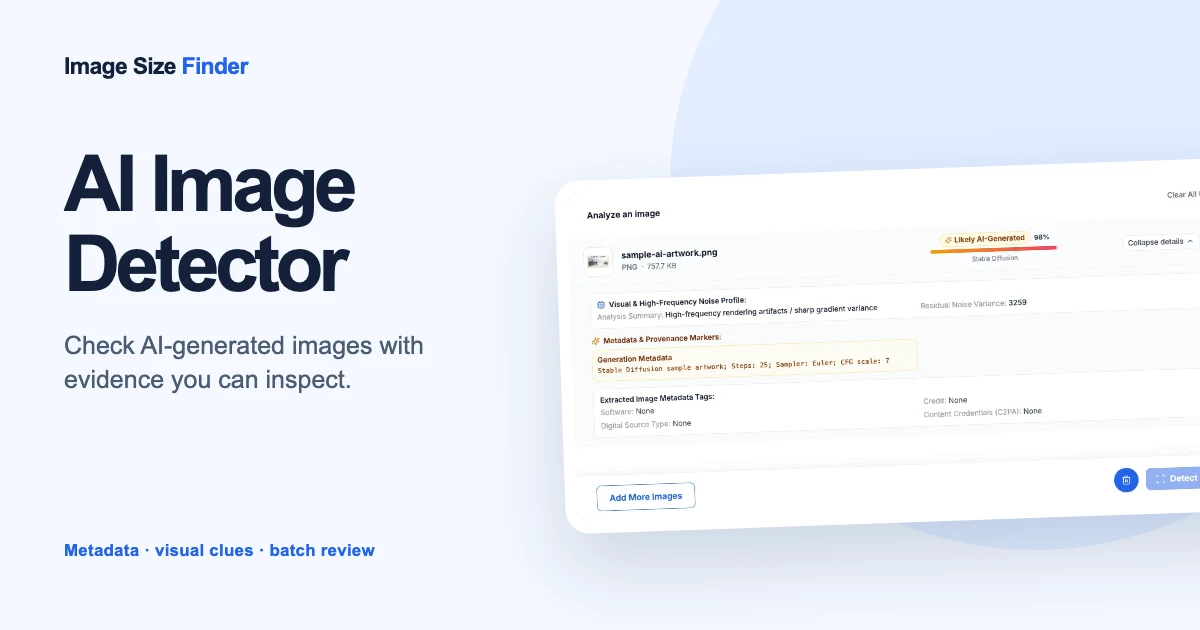
Detect AI image generation markers in metadata and inspect high-frequency noise variance.
Check image dimensions in pixels and file size in KB or MB. Convert dimensions to inches, cm, mm or feet at your chosen print density. Your images stay in your browser.
Drop images here to analyze
or use Ctrl/Cmd+V to paste images directly.
Works with all major formats including JPEG, PNG, WebP, HEIC, AVIF, GIF, BMP and SVG.
Image Size Finder is a free online image size checker that reads an image file in your browser and reports its size three ways: pixel dimensions, file size in bytes, KB or MB, and print size in inches, cm, mm or feet. Drop in a whole folder and it checks every image at once.
Nothing is uploaded. Each file is decoded inside this tab, so it works on photos you would not want to send to a server.
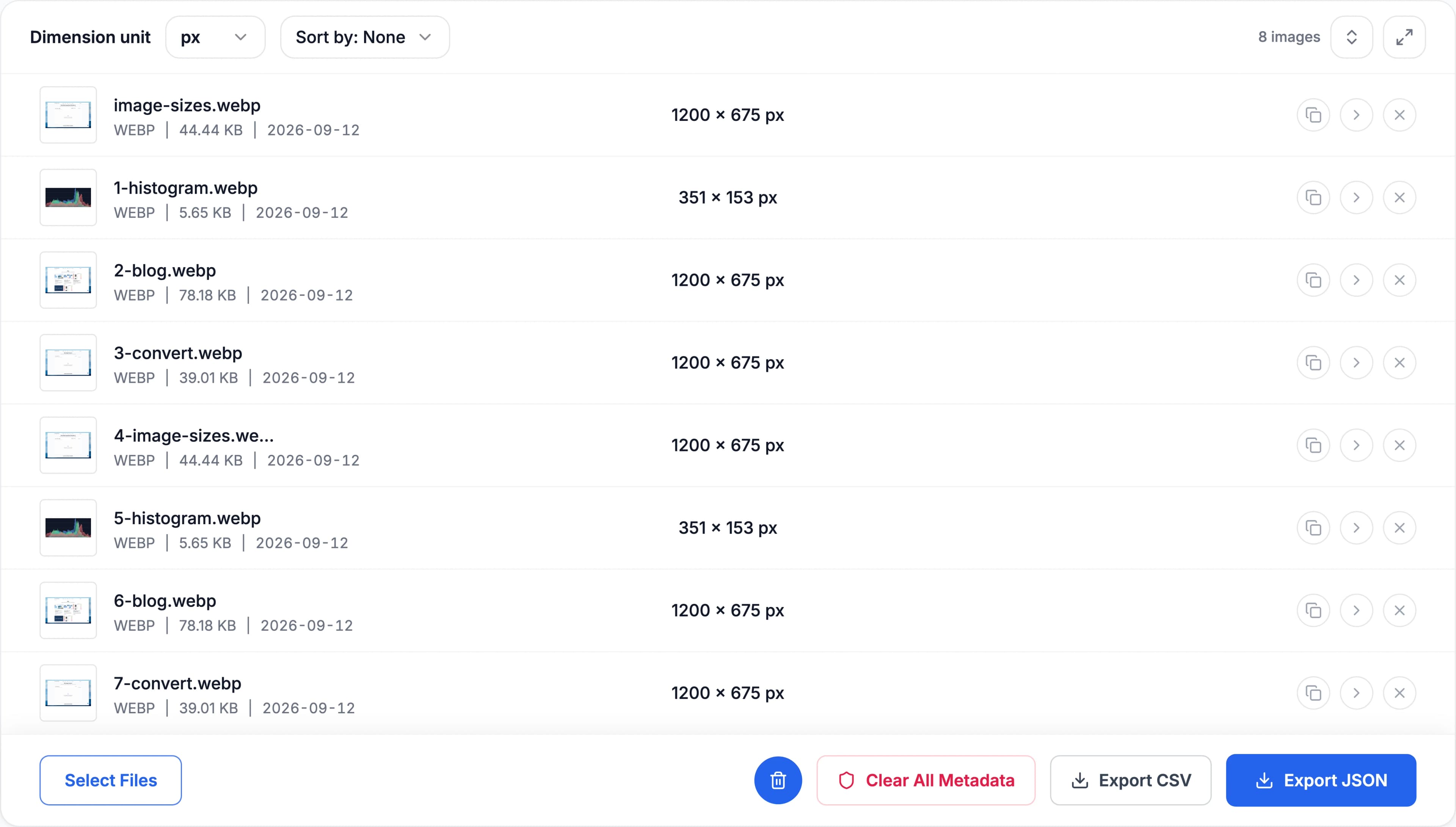
Pixel dimensions describe width × height. File size describes storage in bytes, KB or MB. Images with identical dimensions can have different file sizes. Here, 1 KB = 1,000 bytes; 1 KiB = 1,024 bytes.
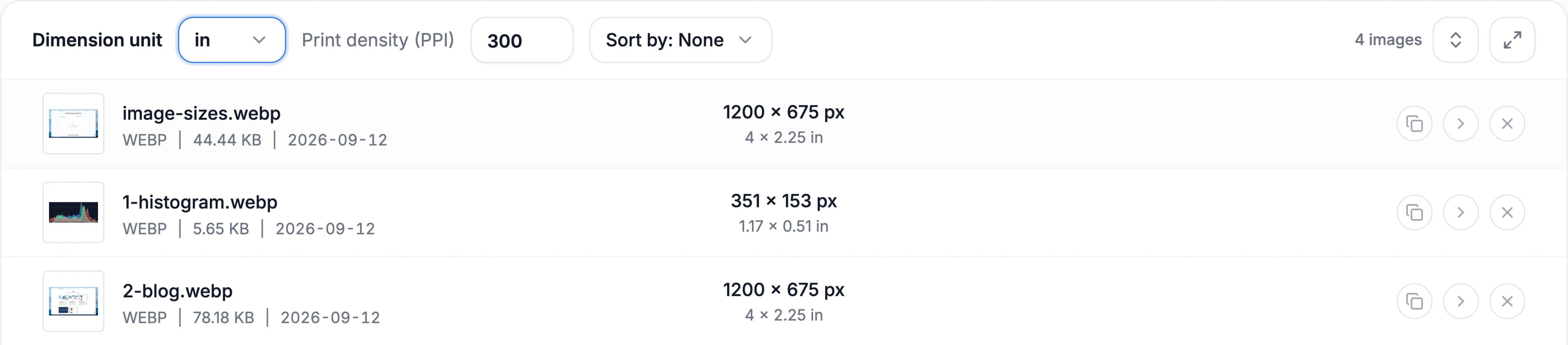
For inches, cm, mm or feet, select a print unit in the image result and enter PPI. Inches = pixels ÷ PPI. At 300 PPI, 2400 × 3000 pixels prints at 8 × 10 inches (20.32 × 25.4 cm). Changing PPI only calculates print size; it does not edit the image.
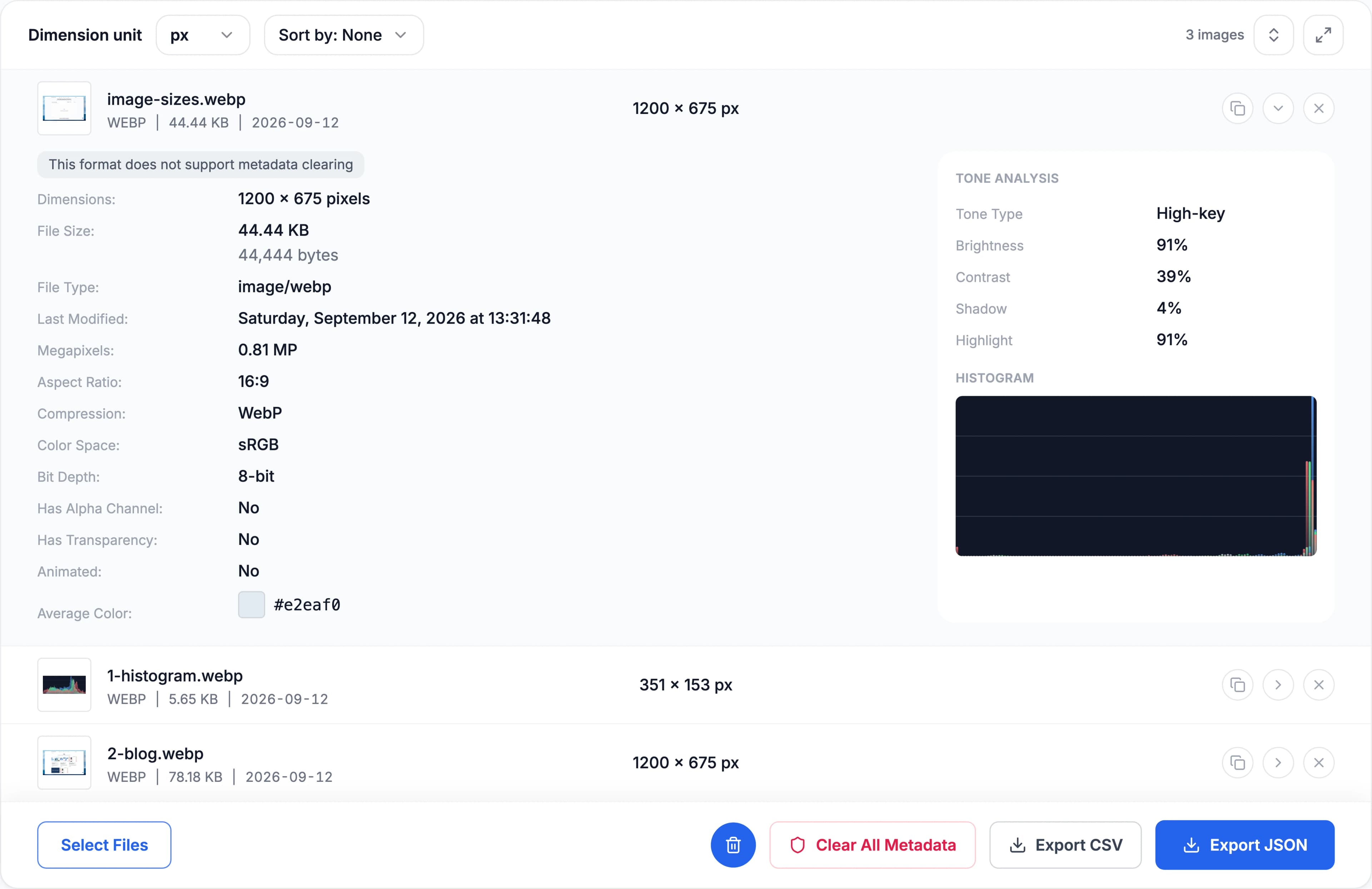
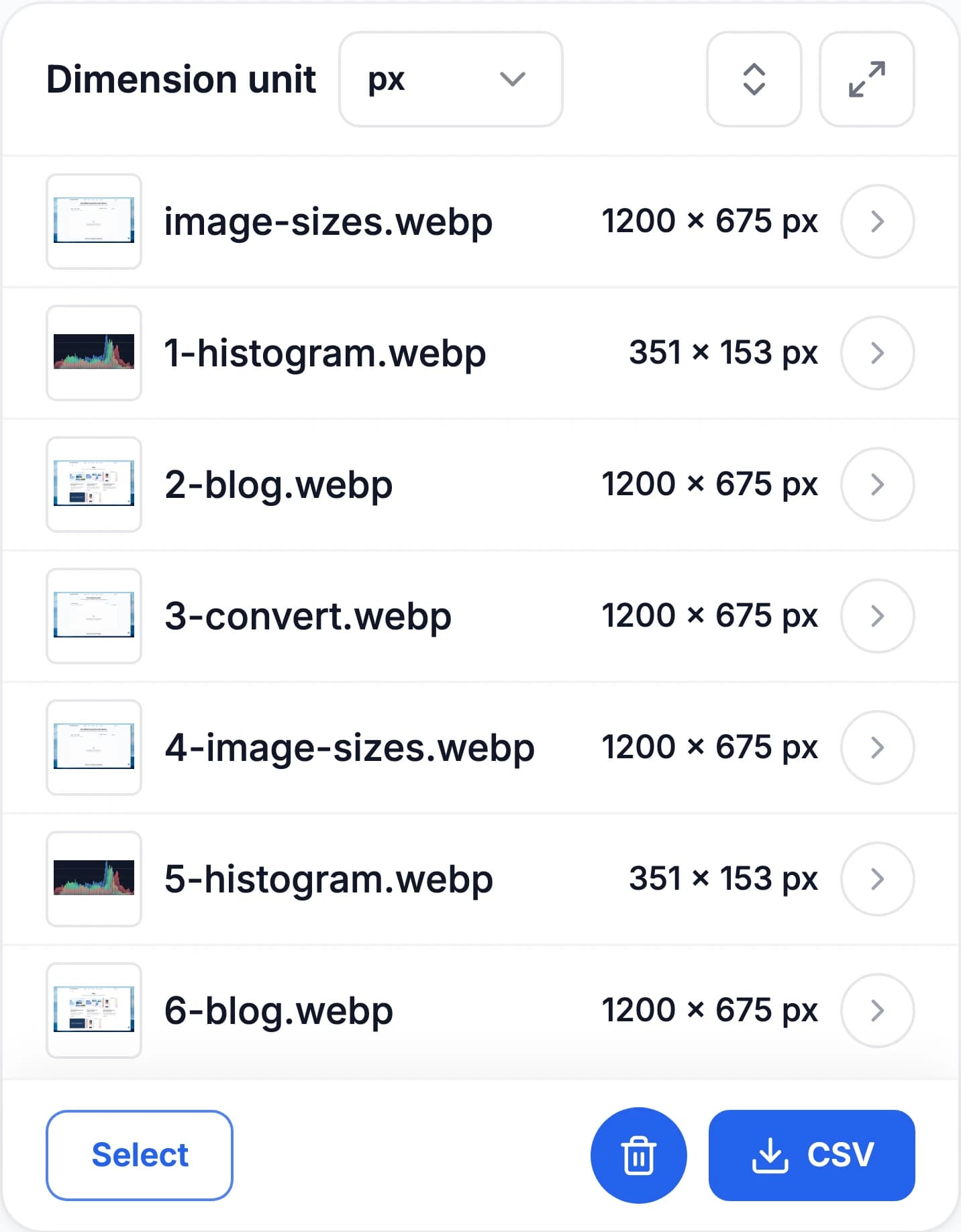
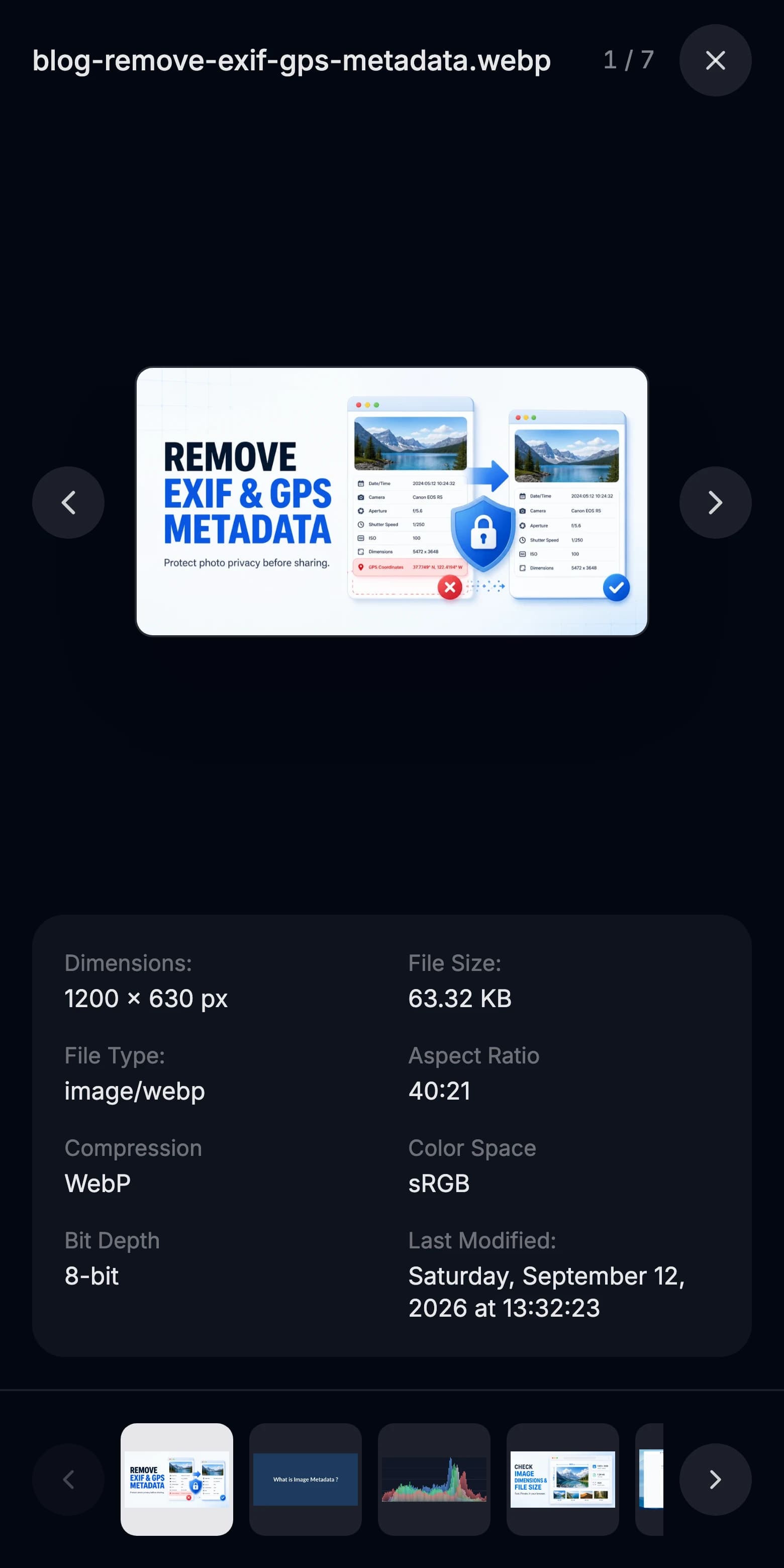
One click opens a row into the full record: megapixels, aspect ratio, colour space, bit depth, transparency, EXIF, camera and lens, GPS, plus a tone breakdown and an RGB histogram. On a phone the same panel drops to one line per image, so a batch stays scannable at 390px.
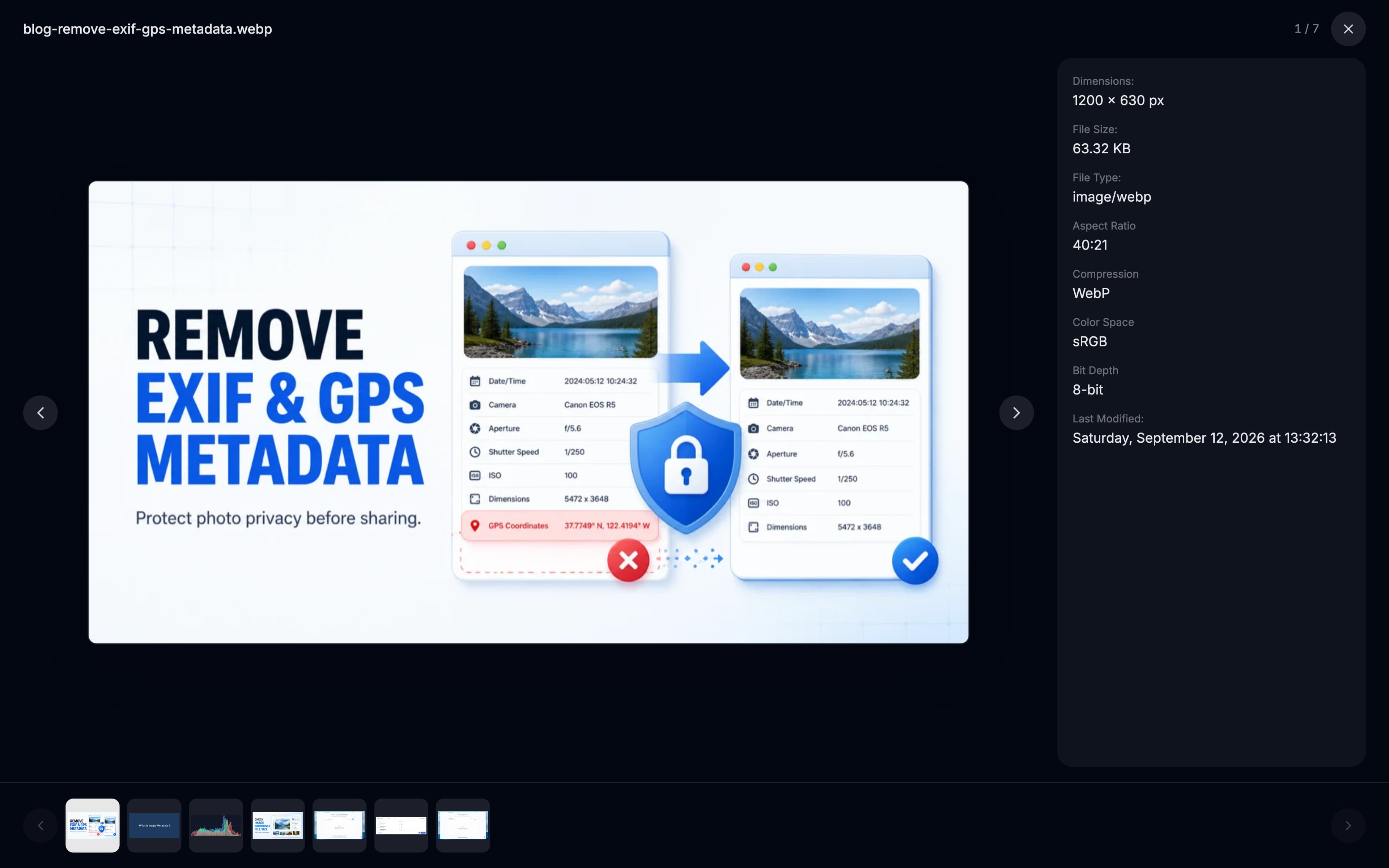
The thumbnail in each row is a button. It opens the image full size on a dark ground, with its key fields beside it and the rest of the batch as a strip along the bottom — so you can check a set of images without closing and reopening anything.
No account, no queue, no upload. Your browser decodes the file the same way it decodes any picture on a web page, so the numbers appear as fast as the image does.
Drag an image in, press the button, or paste with Ctrl/Cmd+V. JPEG, PNG, WebP, HEIC, AVIF, TIFF, SVG and camera RAW all work.
Pixel width × height, exact bytes next to KB and MB, and print size at any PPI you enter. Aspect ratio, megapixels, EXIF, GPS and the color histogram sit one click below.
Export every field to CSV or JSON, copy one image's record to the clipboard, strip EXIF and GPS in place, or continue to the resizer, compressor or format converter.
Image Size Finder starts with the essentials: image dimensions, file size, resolution, metadata and private browser-side processing.
Check pixel width, height, megapixels and aspect ratio instantly for one image or a full batch.
See exact bytes, KB or MB for every image so you can review upload limits and optimize assets.
Inspect resolution, DPI and print-size details to confirm whether an image is ready for web or print.
Your images stay on your device. No uploads, no server-side processing, no unnecessary waiting.
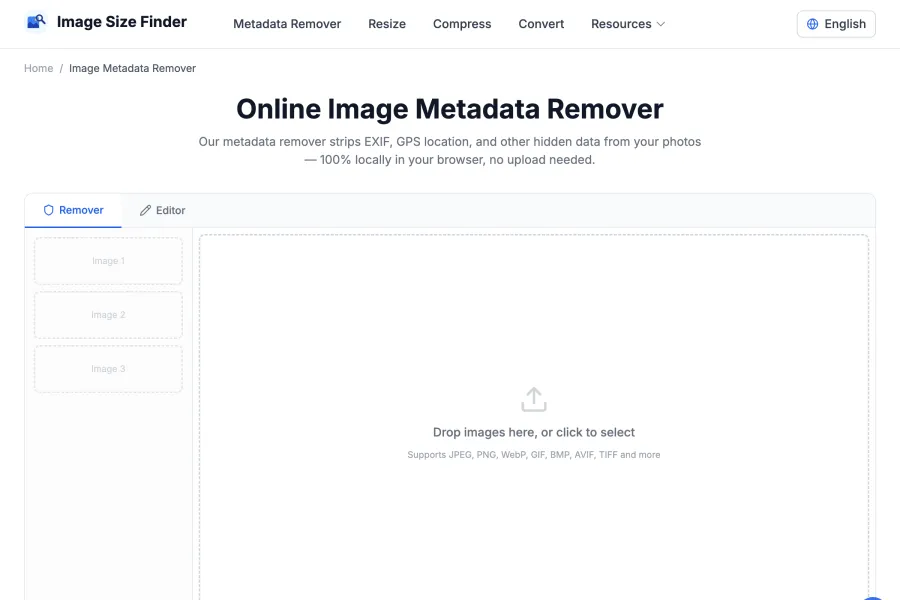
Need to strip or edit EXIF before sharing? Open Metadata Remover to remove GPS, camera data and other hidden fields.
Open Metadata RemoverNeed to check if an image is synthesized by AI? Open our AI detector to inspect C2PA Content Credentials, IPTC markers, and pixel noise variance.
Try AI Image DetectorDrop in whatever you have. Every file is read by your own browser, so nothing is uploaded and nothing is converted before you see the numbers.
Dimensions, file size, DPI and print size, plus EXIF, camera and lens settings, GPS coordinates, colours and the histogram.
Width × height, megapixels, aspect ratio, exact bytes and print size at any PPI. Embedded metadata varies from file to file.
No sign-up and no upload queue. Add as many images as your device can comfortably open — each batch is appended to the same list, so you can compare them side by side.
Image Size Finder helps you inspect both basic image properties and embedded metadata. Review the supported categories below, then open the full reference for every field and export key.
Common examples
File Name · File Type · File Size · Width · Height · Megapixels
Common examples
Aspect Ratio · Color Space · Bit Depth · Compression · Has Alpha Channel · Has Transparency
Common examples
Camera Make · Camera Model · Lens · Aperture · Exposure Time · Shutter Speed
Common examples
Exposure Bias · Brightness Value · Focal Length (35mm equiv.) · Focal Plane X Resolution · Focal Plane Y Resolution · Focal Plane Resolution Unit
Common examples
Latitude · Longitude · Altitude · Timestamp · Address
Common examples
Dominant Colors · Average Color
Image Size Finder goes beyond basic dimensions with detailed EXIF, GPS, color, histogram and camera-recipe insights.
Need the full image metadata fields list? Open the reference page for every supported key, description, and export-friendly label.
Browse Image Metadata FieldsAfter checking an image, choose a tool for the change you need. Each tool has a different purpose.
Detect AI image generation markers in metadata and inspect high-frequency noise variance.
Need to strip or edit EXIF before sharing? Open Metadata Remover to remove GPS, camera data and other hidden fields.
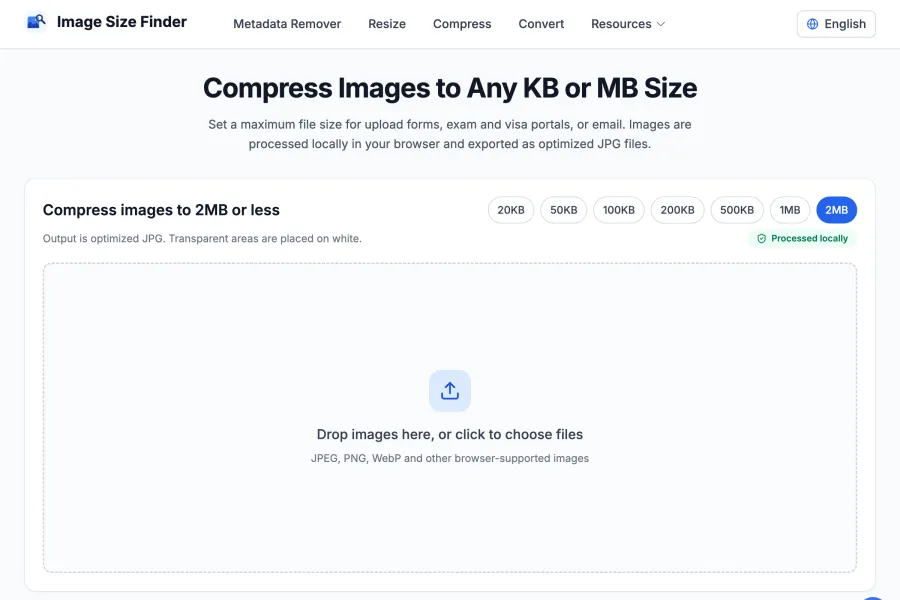
Reduce file size to fit a KB or MB limit. Compression may also reduce pixel dimensions to reach your target.
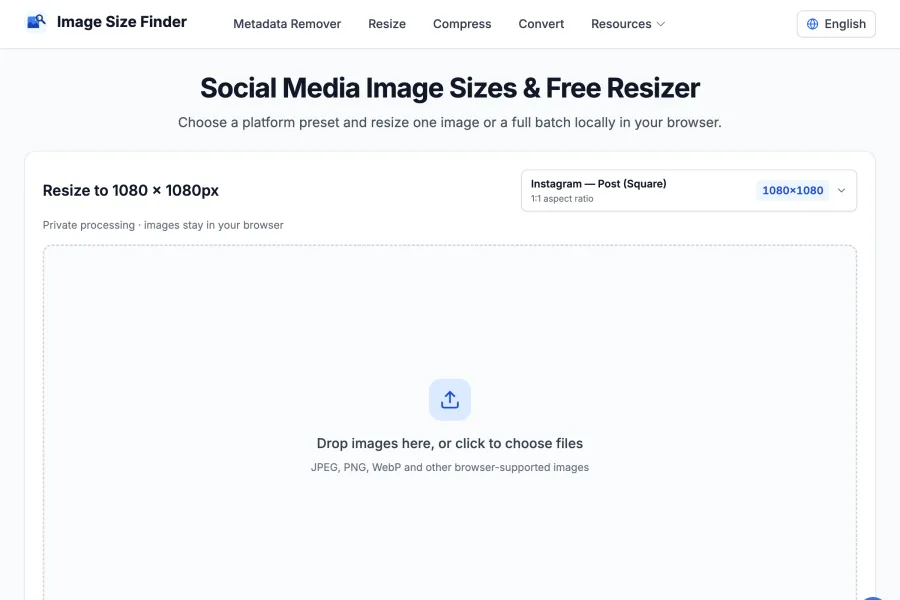
Change pixel width and height for a website, print layout or social media preset. Enlarging an image does not restore missing detail.
Upload, drag and drop, or paste an image into Image Size Finder. The tool instantly shows width, height, megapixels, aspect ratio and other image details in your browser.
No. All analysis runs locally in your browser. Your images never leave your device, ensuring complete privacy and security.
Full metadata support includes JPEG, TIFF, PNG, WebP, HEIC and AVIF. Basic image info is available for GIF, BMP, SVG, RAW, PSD, ICO and many more formats.
Yes. Image Size Finder shows file size, resolution, DPI, aspect ratio and available metadata such as EXIF camera details, timestamps and GPS information.
Yes. Use the Export buttons to download your results as CSV or JSON for reporting, documentation or further processing.
Yes. Copy an image and use Cmd+V on Mac or Ctrl+V on Windows to paste it directly into the analyzer without saving a file first.
When you add more images, they are appended to your current session so you can compare dimensions, file size and metadata across multiple files.
There are no sign-up gates or artificial usage limits. You can analyze as many images as your browser and device can comfortably handle.
Image Size Finder works on all modern browsers including Chrome, Firefox, Safari, and Edge. For the best experience, we recommend using the latest version of your preferred browser.
Yes. While Image Size Finder inspects standard EXIF and technical dimensions, you can use our companion Free AI Image Detector to scan for C2PA Content Credentials, IPTC AI generation tags, PNG prompt metadata, and pixel noise variance.
Get dimensions, file size, EXIF, GPS and color data in seconds. Everything is read on your device — no upload, no account.