If you've ever needed to quickly check an image's pixel dimensions, file size, DPI, or hidden EXIF data — without uploading it to a random server — Image Size Finder is the tool built for that job.
This post covers what Image Size Finder does, how it works under the hood, and why it's become a go-to utility for developers, designers, photographers, and SEO professionals.
What Is Image Size Finder?
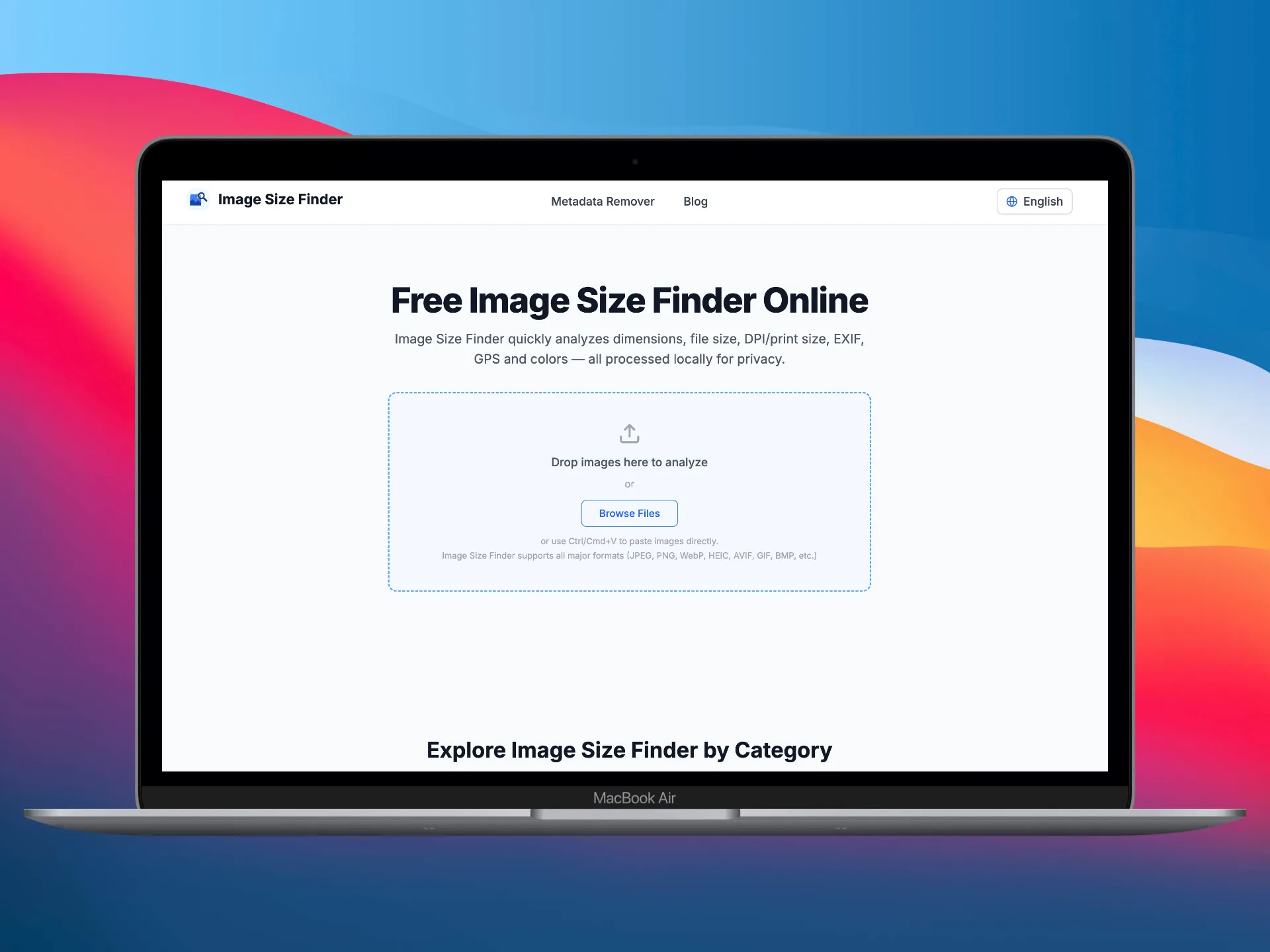 Upload images in Image Size Finder
Image Size Finder is a free online tool that instantly analyzes images and reveals comprehensive metadata — all processed 100% locally in your browser.
Drop one image or dozens, and you'll get:
- Pixel dimensions — width and height in pixels
- File size — exact bytes, KB, or MB
- DPI & print size — dots per inch and physical print dimensions
- Aspect ratio — calculated automatically
- EXIF camera data — make, model, lens, aperture, shutter speed, ISO, focal length, flash, white balance, metering mode, and more
- GPS location — latitude, longitude, altitude (if embedded)
- Color analysis — dominant color palette, average color, tone analysis (low-key / high-key / normal / high-contrast), brightness, contrast, and a full histogram
- Technical details — bit depth, color space, compression type, transparency, animation, frame count, progressive scan
Beyond analysis, Image Size Finder also links to a built-in Metadata Remover where you can strip all EXIF, GPS, IPTC, and XMP data — or switch to the Metadata Editor to rewrite specific fields like date, author, and copyright.
How Image Size Finder Works
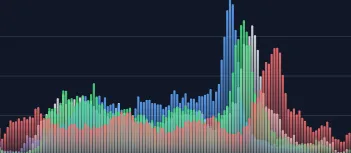 Image analysis results and histogram
The Core Principle: Browser-Side Processing
Unlike most online image tools that upload your files to a remote server, Image Size Finder does everything inside your browser. Your images never leave your device.
Here's the technical flow:
Step 1 — Upload Images
You can add images in three ways:
- Drag and drop files onto the drop zone
- Click to browse and select files from your system
- Paste from clipboard using Ctrl/Cmd+V
Image Size Finder supports all major formats: JPEG, PNG, WebP, HEIC, AVIF, GIF, BMP, TIFF, SVG, RAW, PSD, ICO, and more.
Step 2 — Instant Analysis
Once images are loaded, the tool runs several analysis passes entirely in JavaScript:
-
Dimension & file size extraction — The browser's native
Imageobject reads pixel width and height. TheFileAPI provides the exact byte size and MIME type. -
EXIF / IPTC / XMP parsing — Libraries like exif-js and ExifReader parse the raw binary data in the image file to extract camera settings, GPS coordinates, timestamps, copyright, and vendor-specific data (Fuji film simulations, Sony creative styles, etc.).
-
Color analysis — The image is drawn onto a
<canvas>element. Pixel data is sampled to compute the dominant color palette, average color, and a per-channel histogram (red, green, blue, luminance). A tone analysis algorithm classifies the image as low-key, high-key, normal, or high-contrast based on luminance distribution. -
Technical metadata — Bit depth, color space, compression, transparency, animation detection, and progressive scan flags are extracted from file headers and canvas inspection.
All of this happens in milliseconds per image, with no network requests.
Step 3 — Export, Edit, or Clean
After analysis, you can:
- Sort results by size, dimensions, name, or date
- Export to CSV or JSON for documentation, reporting, or integration with other tools
- Jump to the Metadata Remover to strip all privacy-sensitive data before sharing
- Use the Metadata Editor to rewrite EXIF fields (date taken, author, copyright, software) — useful for photographers managing credits across a batch
Why Use Image Size Finder?
1. Privacy First
This is the most important differentiator. Most online image analysis tools require you to upload files to their servers. That means your photos — potentially containing GPS coordinates, camera serial numbers, and personal information — are sent to and processed by a third party.
Image Size Finder processes everything locally. Zero server uploads. Zero data collection. Your files stay on your device.
2. Bulk Processing
Need to check dimensions for 50 product images before uploading to your e-commerce platform? Or verify that a batch of photos meets a specific DPI requirement for print? Image Size Finder handles multiple images at once with sorting and batch export.
3. Comprehensive Data in One View
Instead of juggling multiple tools — one for dimensions, another for EXIF, a third for color analysis — Image Size Finder shows everything in a single, organized interface. Dimensions, file size, DPI, EXIF camera data, GPS, color palette, tone analysis, histogram, and technical details are all visible per image.
4. Universal Format Support
JPEG, PNG, WebP, HEIC, AVIF, GIF, BMP, TIFF, SVG, RAW, PSD, ICO — if your browser can render it, Image Size Finder can analyze it. No format restrictions, no file size limits.
5. Developer & SEO Workflow
Web developers and SEO professionals routinely need to:
- Verify image dimensions match design specs
- Check file sizes for page load optimization
- Confirm DPI for retina/high-density displays
- Audit EXIF data before publishing (to avoid leaking GPS or personal info)
- Export metadata in JSON for automated pipelines
Image Size Finder covers all of these in one tool, with CSV/JSON export built in.
6. Photography Workflow
Photographers use Image Size Finder to:
- Review EXIF shooting parameters (aperture, shutter speed, ISO, lens) across a batch of photos
- Check GPS coordinates embedded in images
- Analyze tone and color characteristics via histogram and tone analysis
- Verify DPI before sending to print
- Strip or edit metadata before sharing online
7. Metadata Management
Image Size Finder is more than an analyzer. The integrated Metadata Remover strips EXIF, GPS, IPTC, XMP, embedded thumbnails, and maker notes — with lossless JPEG processing (no re-encoding, zero quality loss). The Metadata Editor lets you rewrite date, author, copyright, and software fields, with batch-apply across all images.
8. Completely Free
No registration, no watermarks, no usage limits. Open the page and start analyzing.
Common Use Cases
| Scenario | What Image Size Finder Does |
|---|---|
| E-commerce product images | Verify dimensions, file size, and aspect ratio meet platform requirements |
| Blog & social media | Check dimensions for optimal display; strip GPS before publishing |
| Print production | Confirm DPI and calculate physical print size |
| Web performance audit | Identify oversized images hurting page load speed |
| Privacy protection | Remove GPS, camera serial numbers, and personal data before sharing |
| Photography review | Compare shooting parameters (aperture, ISO, lens) across a set |
| Digital asset management | Export metadata to CSV/JSON for cataloging |
| Forensic / editorial | Inspect full EXIF, IPTC, and XMP fields for provenance |
Try It Now
Head to imagesizefinder.com and drop an image. You'll have its full analysis in under a second — with nothing uploaded anywhere.
References & Further Reading
- 01.ExifReader — Client-side EXIF/XMP parsing by Mattias Wadmangithub.com/mattiasw/ExifReader
- 02.exif-js — JavaScript library for reading EXIF image metadatagithub.com/exif-js/exif-js
- 03.HTML5 Canvas API — MDN Web Docsdeveloper.mozilla.org/en-US/docs/Web/API/Canvas_API
- 04.File API & FileReader — MDN Web Docsdeveloper.mozilla.org/en-US/docs/Web/API/File_API