Four useful output presets
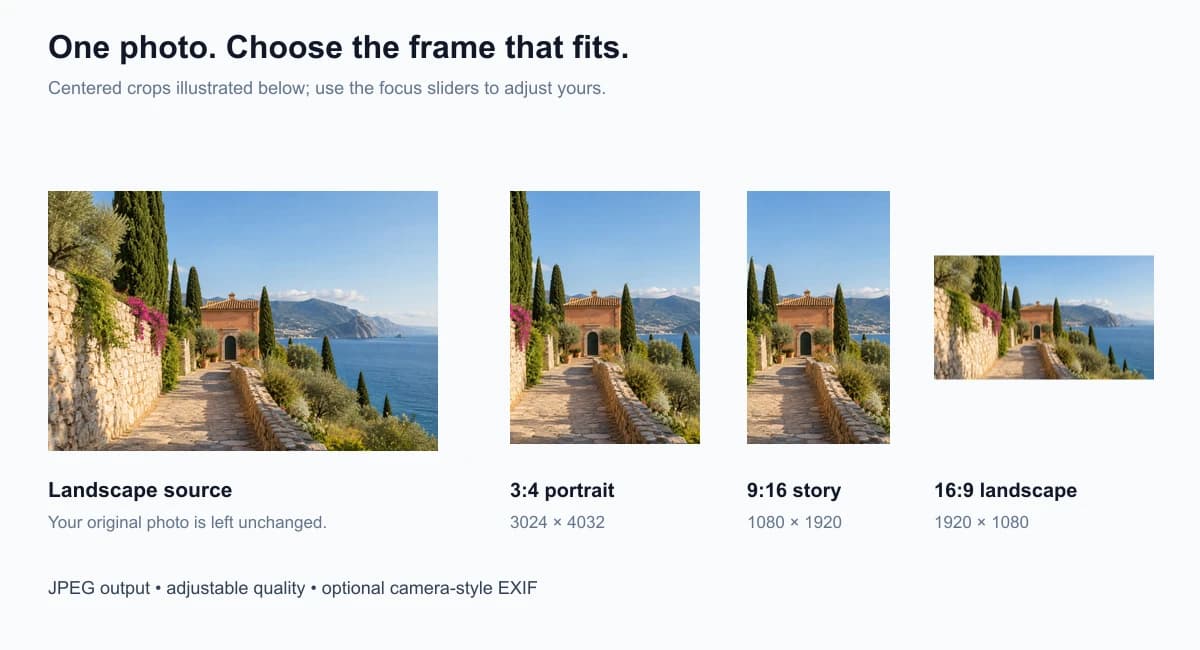
Choose full-size 3:4, compact 3:4, vertical 9:16 or landscape 16:9. The Meta glasses converter displays exact output dimensions before and after conversion.
Our free Meta glasses converter prepares photos as 3024 × 4032 JPEGs with optional Ray-Ban Meta-style EXIF. Adjust the frame, compare the result, and download locally.
Choose a photo → adjust the frame → export JPEG
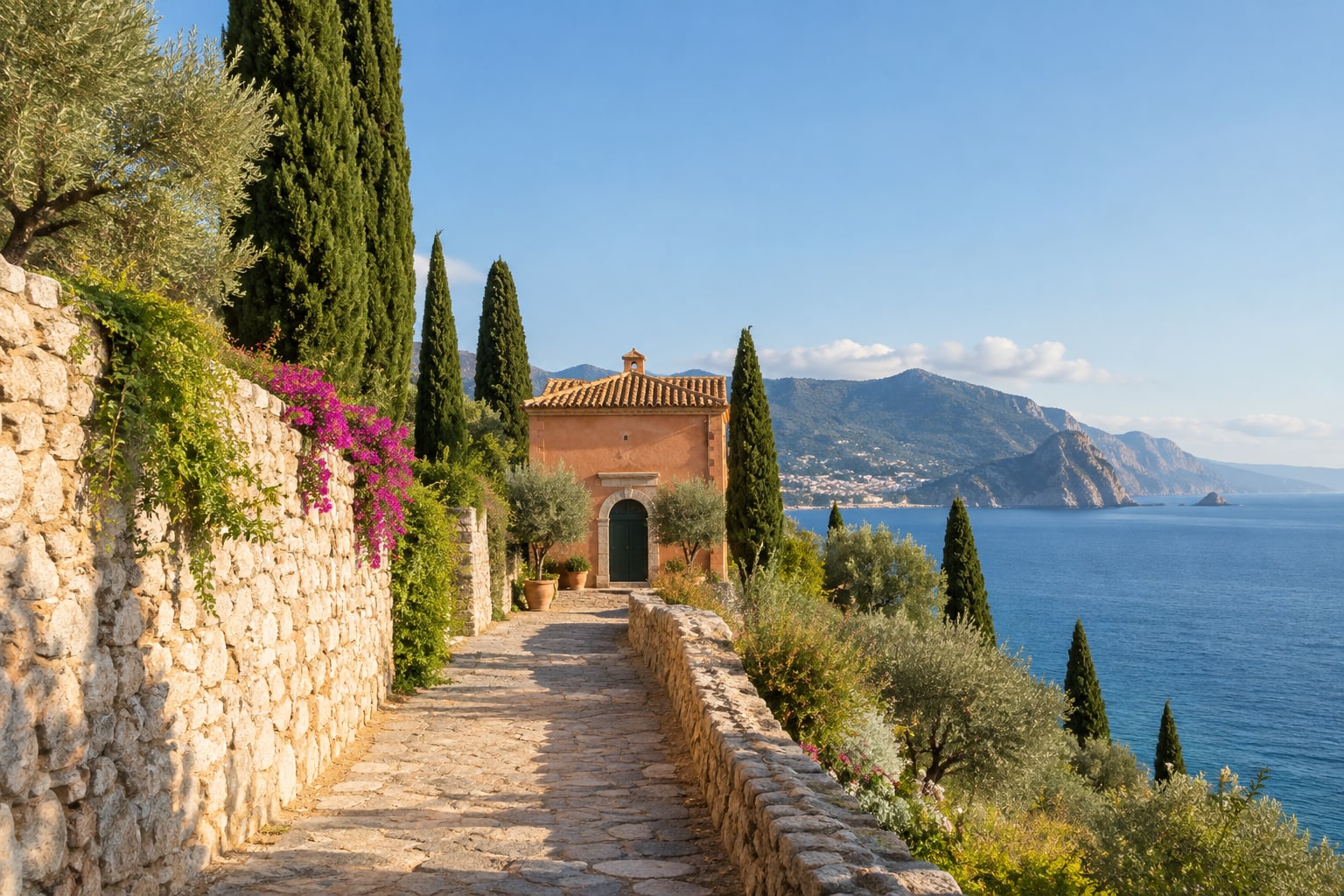
Illustrative sample · load it above to try the converter
3024 × 4032 output
This Meta glasses converter exports still photos locally in your browser. JPG, PNG or WebP · up to 30 MB / 40 megapixels.
No upload. No account. Your original is unchanged.
This Meta glasses converter exports standard JPEG files. Optional EXIF tags do not prove camera origin or unlock Instagram’s glasses icon, Spin View or 3D depth.
This Meta glasses converter prepares a regular photo for a portrait JPEG workflow. Choose the 3024 × 4032 preset, reframe for Stories or landscape posts, and optionally write Meta-style camera fields into a fresh EXIF record.
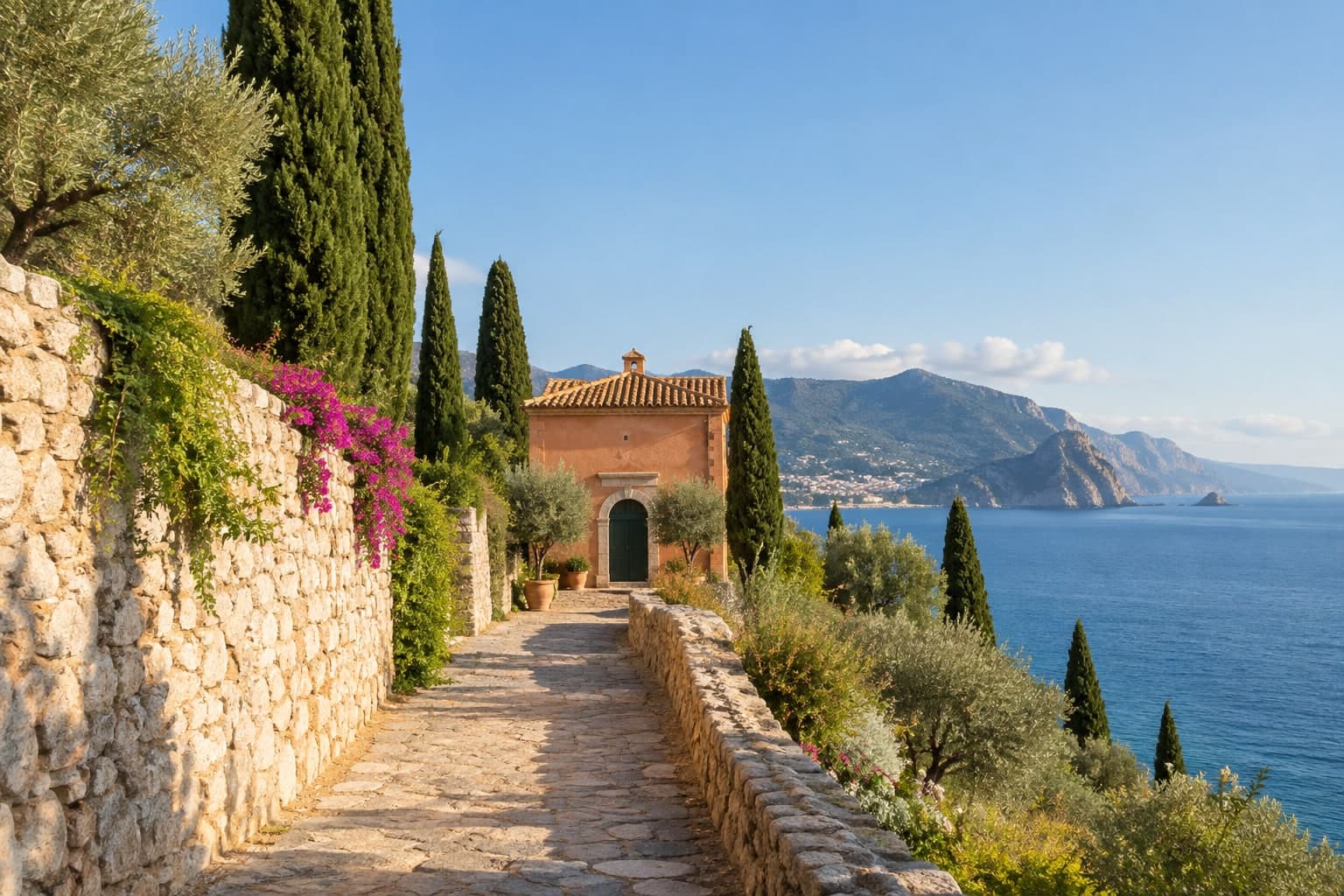
Choose a JPG, PNG or WebP up to 30 MB in the Meta glasses converter, or try the sample. Your original file is never overwritten.
Select a preset, choose crop or fit, and move the horizontal and vertical focus. Compare output framing with your original.
Set JPEG quality and optional camera tags. Convert, inspect the actual encoded image and download the finished file from the Meta glasses converter.
Crop to fill
Fit whole photo
Crop to fill uses the entire output canvas. Move the focus sliders to keep a face, building or subject in view. Fit whole photo preserves the complete scene and adds white borders when the aspect ratios differ.
The Meta glasses converter previews framing before export, then lets you inspect the actual JPEG. If the target is larger than your source, an upscaling notice reminds you that extra pixels do not create new detail.
Choose full-size 3:4, compact 3:4, vertical 9:16 or landscape 16:9. The Meta glasses converter displays exact output dimensions before and after conversion.
Choose a quality setting from 60 to 100. After conversion, compare the image and actual byte size before deciding what to download.
Enable Make: Meta and Model: Ray-Ban Meta, or leave camera tags out. Every file includes a description identifying it as converted.
The export does not copy original GPS, serial numbers or timestamps. Decoding, cropping, JPEG encoding and EXIF writing stay on your device.
All presets in this Meta glasses converter export standard JPEG files. Choose a composition that suits your next use, and use the compact option when you do not need the largest dimensions.
| Preset | Pixels | Ratio | Useful for |
|---|---|---|---|
| Meta photo | 3024 × 4032 | 3:4 | Full-size portrait JPEG |
| Compact portrait | 1440 × 1920 | 3:4 | Smaller portrait exports |
| Stories | 1080 × 1920 | 9:16 | Vertical photo compositions |
| Landscape | 1920 × 1080 | 16:9 | Wide photo compositions |
The 3024 × 4032 preset follows the still-photo resolution listed for supported models in Ray-Ban’s camera specifications. It does not reproduce the glasses’ optics, capture data or hardware features.
Camera-style tags are editable text fields. The Meta glasses converter can write them, but they are not evidence that a photo was taken with smart glasses.
This feature does not guarantee Instagram’s glasses icon or Spin View. It does not create depth maps, convert video, or stop a social platform from recompressing your photo.
A Meta glasses converter prepares a regular photo for a Meta glasses-style image workflow: a portrait JPEG, a chosen output size and optional camera-style EXIF fields. This Meta glasses converter can export 3024 × 4032 pixels at 3:4, or reframe a photo for vertical Stories and landscape posts.
Some converters advertise this, but we have not verified a reliable method. Writing Make and Model tags does not guarantee the glasses icon, exclusive filters or Spin View. Platform behavior can change. This tool produces a standard 2D JPEG; it does not generate depth maps, panorama data or gyroscope recordings.
Every export includes output dimensions, normal orientation, sRGB color space, the converter software name and a description identifying it as converted. With the optional camera-style setting enabled, Make is Meta and Model is Ray-Ban Meta. These editable tags are not proof that glasses took the photo.
Photo decoding, framing and JPEG export happen locally in your browser. Your photo is never uploaded by the Meta glasses converter. The original is untouched. The exported file does not copy source EXIF, GPS, timestamps, serial numbers or other source metadata.
This page accepts JPG, PNG and WebP photos up to 30 MB and 40 megapixels. Convert HEIC to JPG with our Image Converter first. MOV, MP4, HEVC/H.265, H.264 and variable-to-constant frame rate video conversion are not supported on this page.
It changes the pixel dimensions, not the detail captured by the camera. A smaller source is enlarged and may look softer. Crop to fill removes edges; Fit whole photo preserves the composition with white borders. JPEG export is lossy, and transparent areas become white.
There is no guaranteed anti-compression wrapper here. Download the JPEG and keep it as your master copy. Screenshots, editors, messaging apps and social uploads may remove metadata or re-encode the file. Check the final shared file if metadata matters to your workflow.
Preview the composition, choose your export settings and save a standard JPEG with our free Meta glasses converter. No account or upload required.
Independent Meta glasses converter tool. Not affiliated with Meta, Ray-Ban or Instagram. Sample artwork is illustrative.