Image Size Finder
Check pixel width, height, megapixels and aspect ratio instantly for one image or a full batch.
Check whether an image is AI-generated with our free AI image detector. Inspect source metadata, C2PA credentials, pixel noise, and visual signals in your browser.
Choose one or several images, drag them in, or paste from your clipboard. Analysis starts as soon as you add them.
JPEG, PNG, WebP, HEIC, TIFF and other browser-supported images · Up to 10 MB per image
Rate this tool
(0 ratings)
From image to evidence in one flow, with no mode switching or extra scan button.
Select multiple files, drag and drop, paste from your clipboard, or submit a direct image URL.
The browser reads available provenance markers and visual patterns. A server model may analyze images without conclusive markers.
See the likelihood, confidence, detected tool when available, and a breakdown of the signals behind the result.
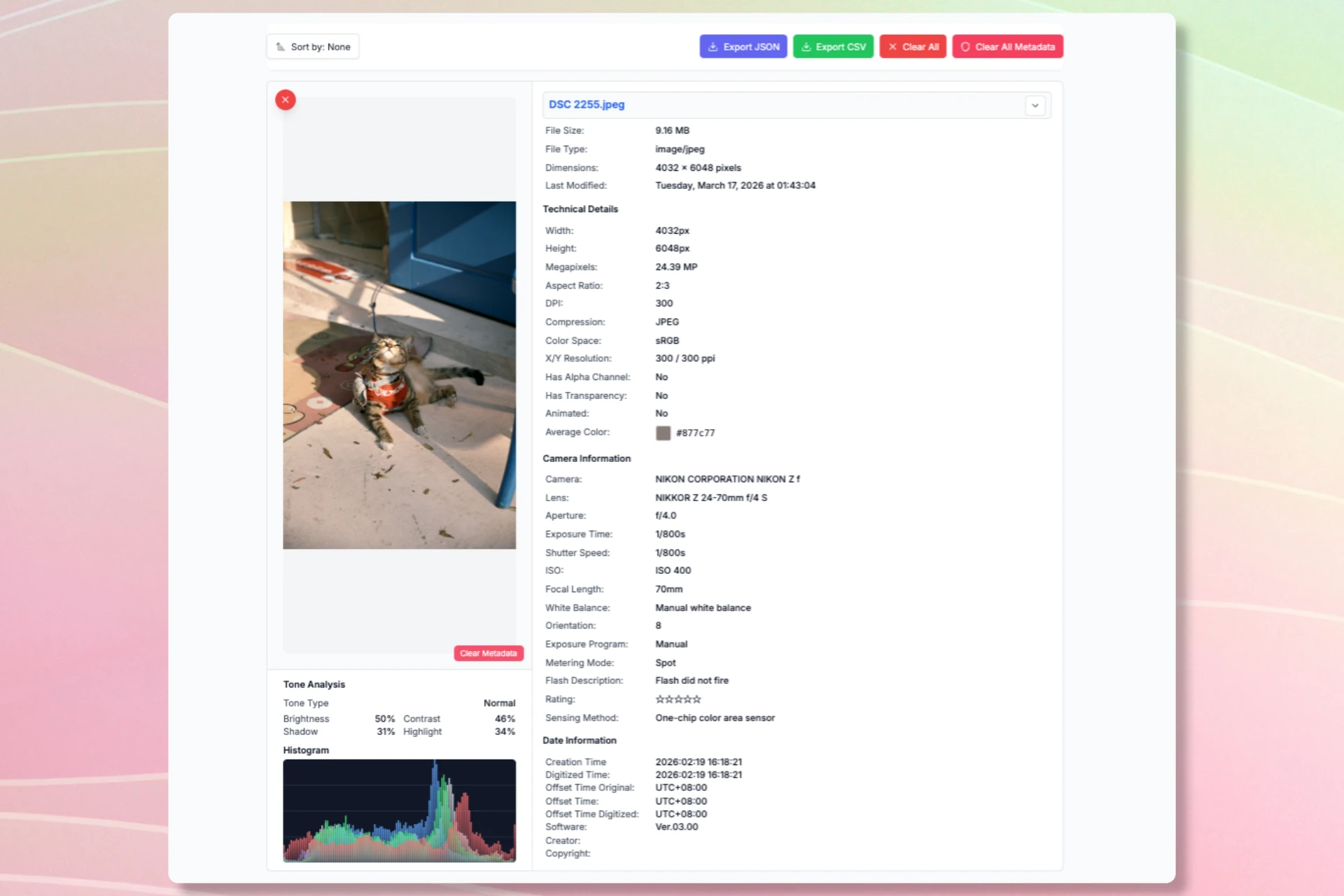
A result is more useful when you can see what produced it. Expand an image to review metadata, visual measurements, and the analysis source.

The detector combines explicit file clues with visual assessment. Each signal has different strengths and limits.
The browser checks available IPTC and EXIF fields, PNG generation text, and the presence of a C2PA credential container. Explicit source information can be strong evidence when it survives export.
Examples: DigitalSourceType, Software, prompt parameters, C2PA presence.
A local noise measurement offers a visual clue. When metadata is inconclusive, the tool may request a deeper server-side model assessment. Compression and editing can affect both.
Examples: high-frequency residual variance and model likelihood.
Learn more about our dual-layer architecture, C2PA manifest parsing, and client-side pixel noise analysis.
The AI Image Detector starts in your browser. Some paths use the server, so the page explains them clearly.
Metadata inspection and pixel-noise measurement run in your browser. A clear provenance marker can finish the check there.
If local evidence is inconclusive, the image may be sent to the analysis API. Image URLs are fetched through a server relay before analysis.
Choose or paste one or more browser-supported images. Common JPEG, PNG, WebP, HEIC, and TIFF files are accepted when the browser can read them; the analysis API limits files to 10 MB.
AI image detection is an aid for review, not proof of origin on its own. Consider the file’s source and context alongside the result.
A missing AI marker does not prove an image is camera-made. Many exports and social platforms remove metadata.
Pixel patterns and visual models can misread edited, compressed, illustrated, or very small images.
The tool detects a C2PA container but does not verify a digital signature or read invisible watermarks such as SynthID.
After checking an image, choose a tool for the change you need. Each tool has a different purpose.
Check pixel width, height, megapixels and aspect ratio instantly for one image or a full batch.
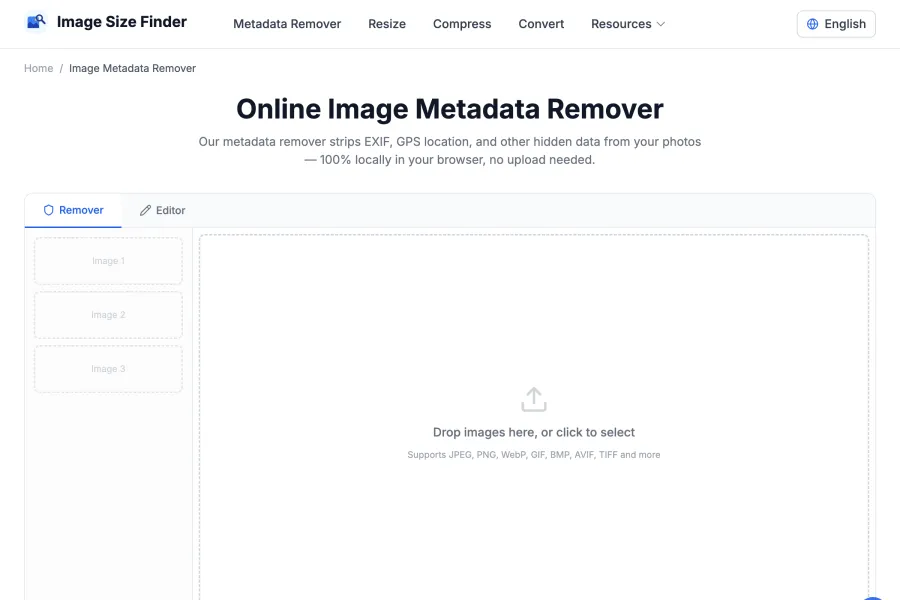
Need to strip or edit EXIF before sharing? Open Metadata Remover to remove GPS, camera data and other hidden fields.
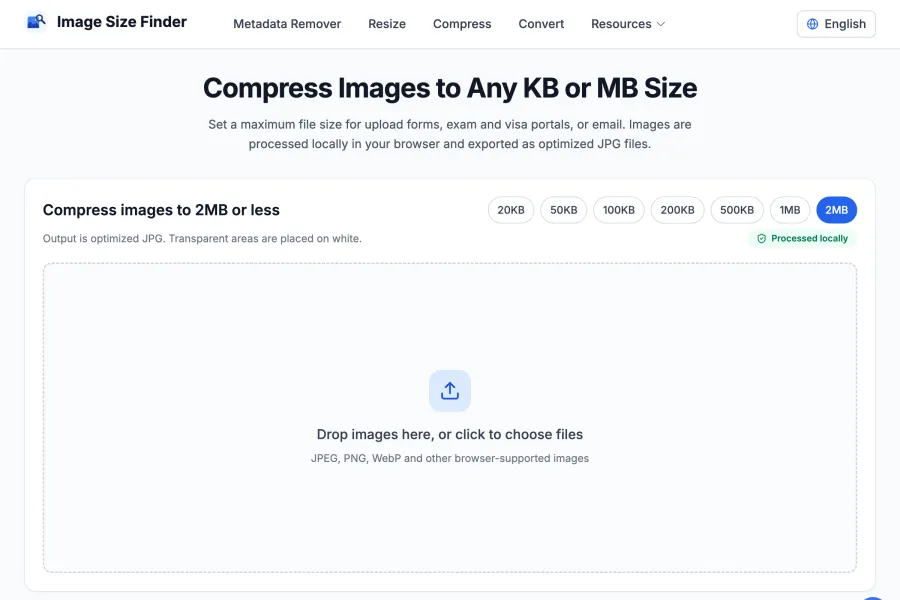
Reduce file size to fit a KB or MB limit. Compression may also reduce pixel dimensions to reach your target.
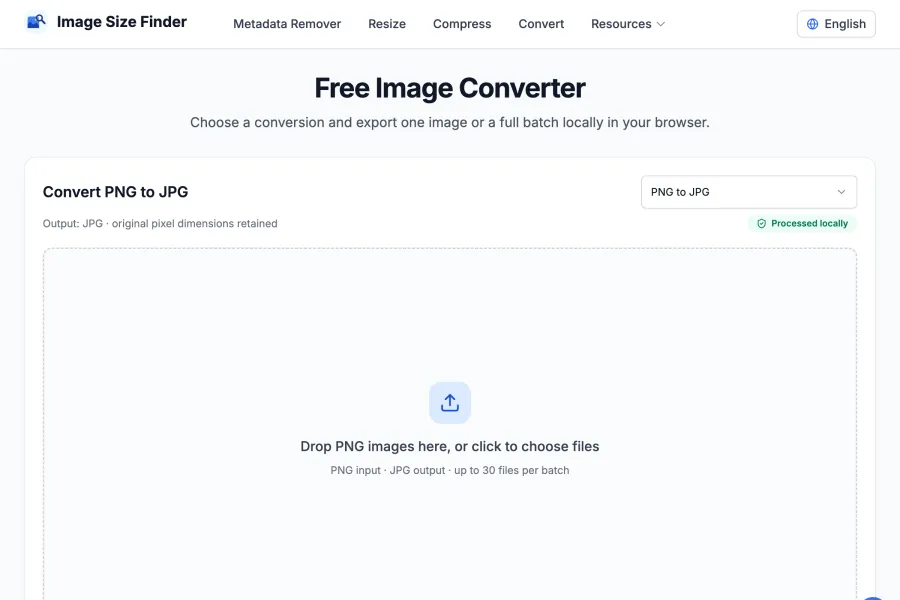
Change the image file format, such as PNG to JPG or WebP. This is different from converting pixels to print units.
Answers about accuracy, privacy, formats, and what to do with a result.
No. Explicit provenance metadata can provide strong evidence, while visual scores are estimates. Missing metadata is not proof that an image is authentic.
The browser examines a pixel-noise signal. If the local result is inconclusive, the image may be sent to the analysis API for a deeper model score. Editing and compression can affect accuracy.
Metadata and pixel checks run locally first. An image may be sent to the server when those checks are inconclusive. A direct image URL is fetched through the server relay.
You can add browser-supported image files, including common JPEG, PNG, WebP, HEIC, and TIFF files. The server analysis endpoint limits files to 10 MB.
Yes. You can drag and drop multiple images simultaneously, select multiple files from your device, or simply press Ctrl+V (Cmd+V) to paste an image directly from your clipboard. All added images are analyzed and displayed in a unified batch workspace.
Yes. The detector automatically parses embedded C2PA manifest containers (used by OpenAI DALL-E 3, Adobe Firefly, etc.) and IPTC fields such as DigitalSourceType, Software, and Credit. If provenance markers are present, they are surfaced in the detailed metadata breakdown.
Yes, it is 100% free with no registration or subscription required. In-browser client-side detection (metadata parsing and noise analysis) is unlimited and runs completely on your device without consuming any server quotas.
Simply paste the direct URL of any image (starting with http:// or https://) into the URL input box inside the drop zone and click 'Analyze URL'. The tool fetches the image via a secure server relay and immediately analyzes its signals.
Add an image and get a result with its supporting signals. No account or manual scan step required.
Analyze an imageNeed more info or other image tools? How this detector works · Explore ImageSizeFinder