Zoom in. Get the full picture.
Use the wheel to zoom and drag to pan. Rotate, flip or fit the image to your screen without opening an editor.
IMAGE VIEWER & SIZE FINDER · CHROME EXTENSION
Zoom, rotate and inspect image dimensions without leaving the page. Your next close-up starts with a right-click.
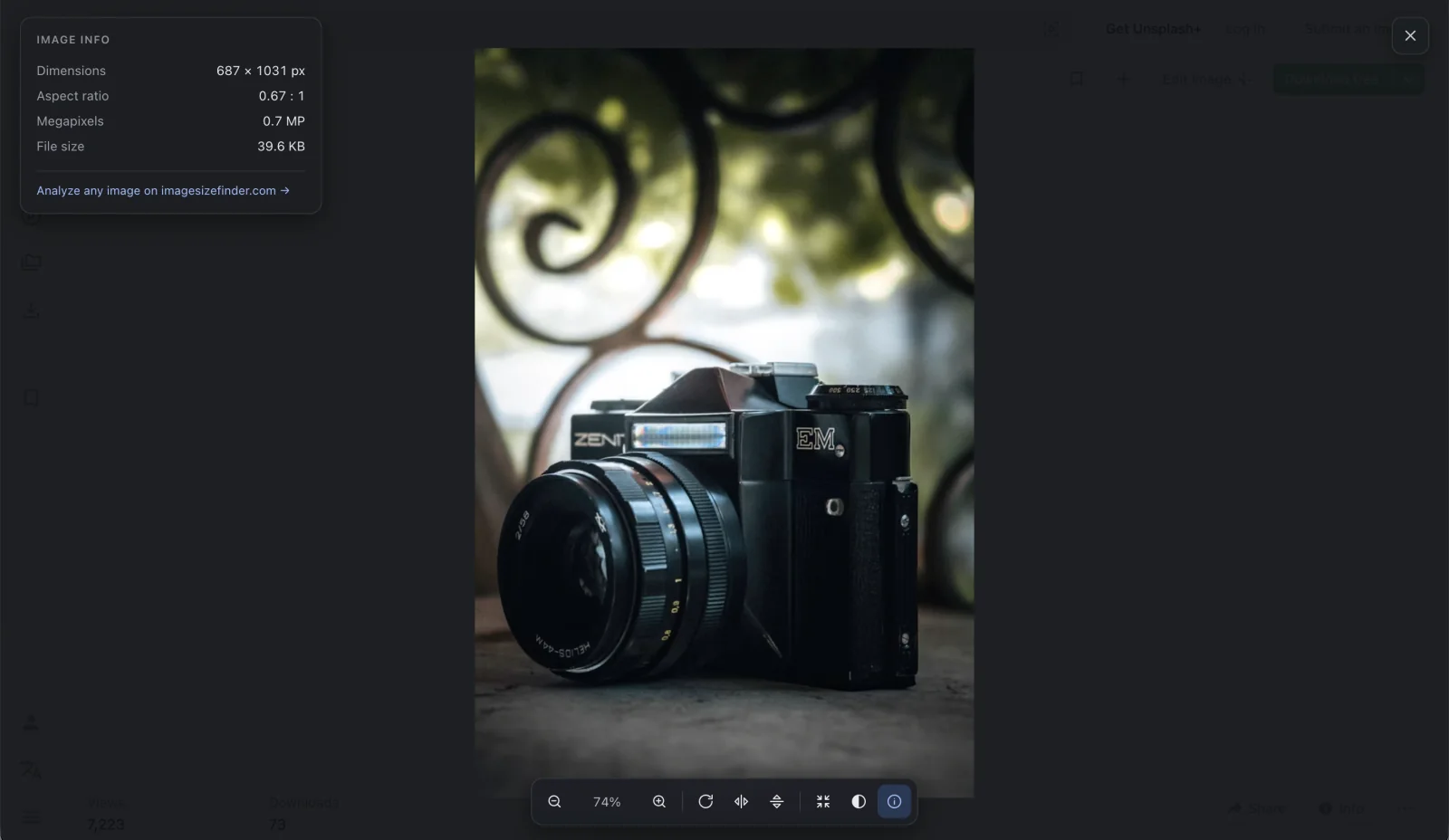
An image viewer, image size checker and JPEG EXIF reader in one focused Chrome extension.
Use the wheel to zoom and drag to pan. Rotate, flip or fit the image to your screen without opening an editor.
Read pixel width and height, aspect ratio, megapixels and available file size. Compare the original image with its displayed size.
Inspect camera make, model, exposure settings and capture time when the source is readable. GPS is shown only as present or absent.
Use a dark, light or neutral backdrop, a checkerboard for transparency, or your own color. Settings stay on your device.
Three simple steps to inspect a web image in Chrome.
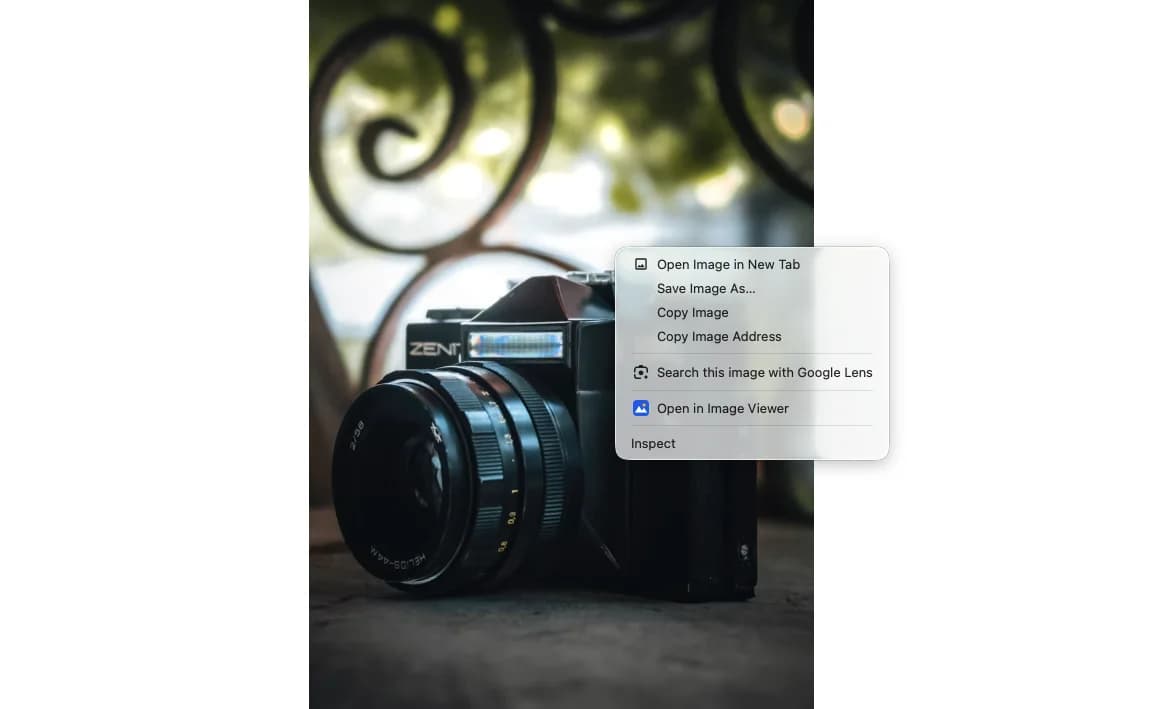
On a supported web page, right-click an image and choose Open in Image Viewer.
Zoom, pan, rotate or flip. Open the information panel to check dimensions, file size and available JPEG EXIF.
Choose Analyze this image when the bytes are readable. The website receives them through browser messaging, without an image upload.
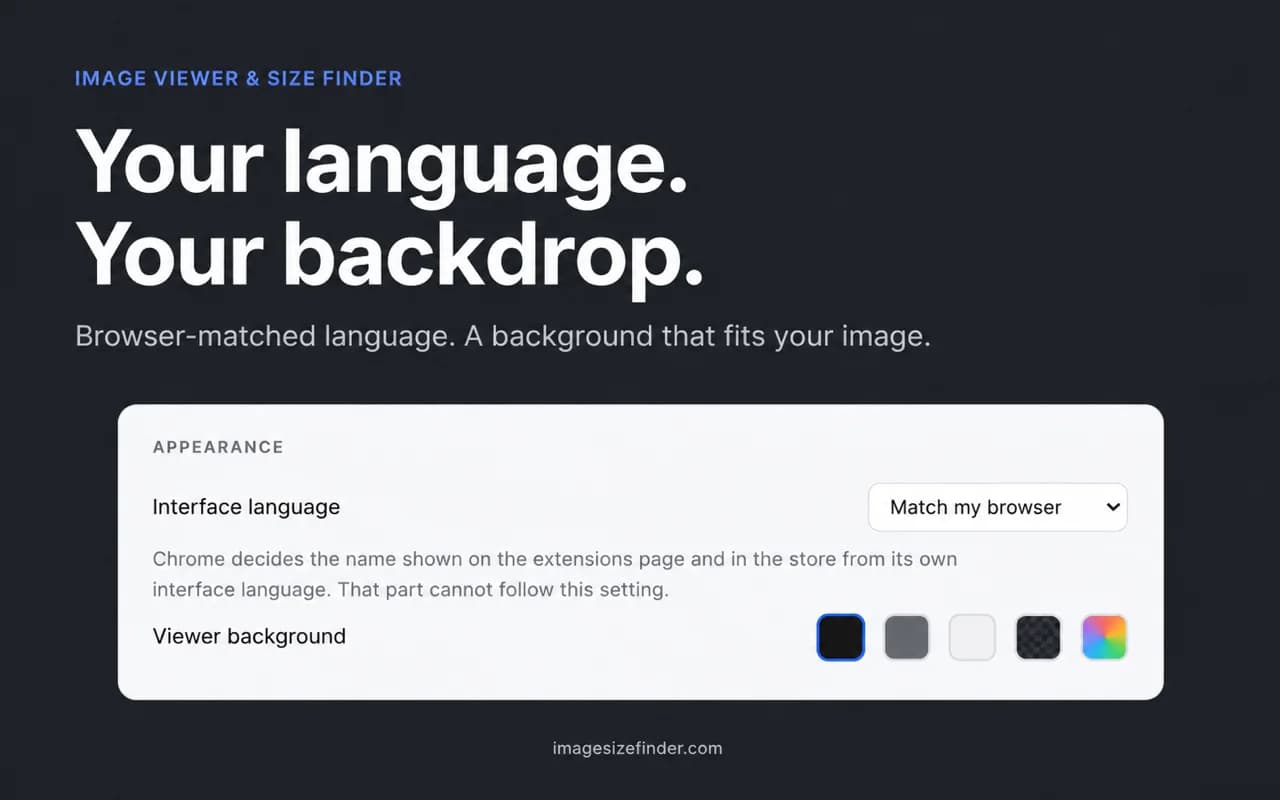
The interface follows your browser language, with English as the fallback. Choose a language manually and find the background that makes your image easiest to inspect.
Start with the right-click viewer. Enable click-to-open only if that workflow suits you.
| What changes | Right-click viewer | Optional click-to-open |
|---|---|---|
| How you open an image | Choose the image context-menu entry | Click an image on the page |
| Website access | Temporary activeTab access after your action | Optional broad site access after approval |
| Viewing tools | Zoom, rotate, flip and image information | The same viewing tools |
| How to stop it | Close the viewer | Disable the setting and revoke broad access |
The extension has no analytics, telemetry or remote configuration. Image metadata is parsed in your browser. Reading your selected image can request it from its source; the extension does not upload it to an analysis server.
The package ships as readable JavaScript. A public source repository is not available yet.
Check aspect ratios and pixel dimensions before selecting a web image for a layout.
Inspect a readable JPEG’s camera settings, then view the photo against a neutral backdrop.
Compare displayed and original dimensions while checking the images already on your page.
Compare permissions, privacy, EXIF viewer capabilities, and local image workflows side-by-side with full technical breakdowns.
After installing the extension, right-click an image on a supported web page and choose Open in Image Viewer. Use the toolbar or keyboard shortcuts to zoom, rotate, flip and fit the image.
Yes. The information panel shows pixel dimensions, aspect ratio and available size information in the current tab. Exact file size and EXIF depend on whether the browser can read the source; cross-origin restrictions may hide some fields.
The viewer displays images supported by your browser. Its built-in EXIF reader handles JPEG APP1/TIFF metadata, including camera, exposure and capture time. PNG eXIf and HEIC metadata are not parsed by the extension; use the online analyzer for more formats.
The extension contains no analytics or telemetry and does not upload image bytes for analysis. It may read the selected image from its original source. The optional website handoff uses browser-internal messaging; opening the website makes normal website requests.
The optional mode needs a content script to notice image clicks on web pages. The right-click mode instead uses temporary activeTab access after your action. Turning click-to-open off revokes its broad site permission.
The extension is intended for desktop Chrome. Chrome internal pages, the Web Store and other protected pages block injection. Image reading also depends on each website’s access rules. On mobile, use the online image analyzer instead.
It is an independently developed option for the same core viewing tasks: zoom, pan, rotate and flip. It also shows image dimensions and available JPEG EXIF. It is not affiliated with Enhanced Image Viewer and does not import that extension’s settings.
The viewer follows the browser’s preferred supported language, with English as its fallback. You can override it in settings. Chrome controls the extension name shown in its management screen separately, using the browser UI language.
Use the viewer on a web page, then choose the right browser-based tool for the next step.
A focused Chrome image viewer for the details that matter, from the first right-click to the final pixel.